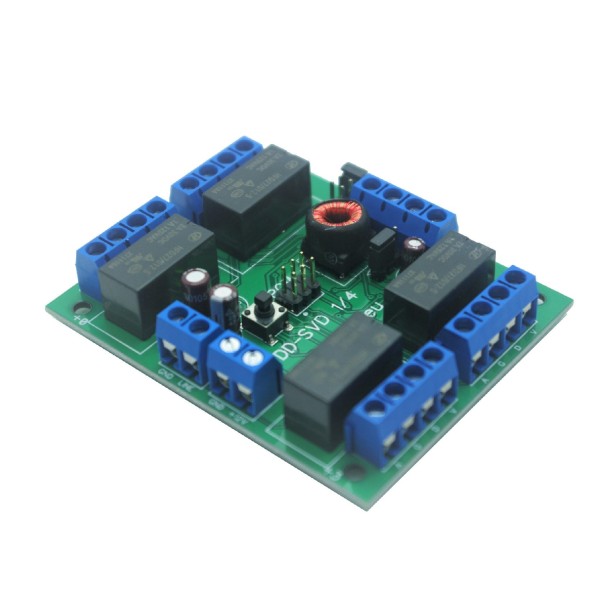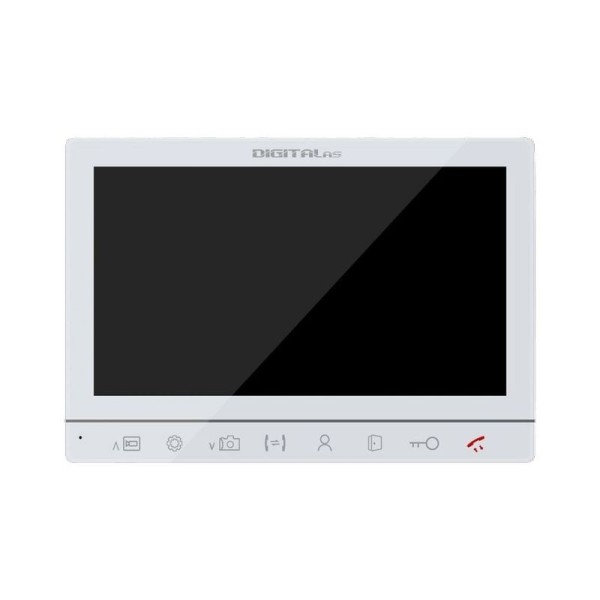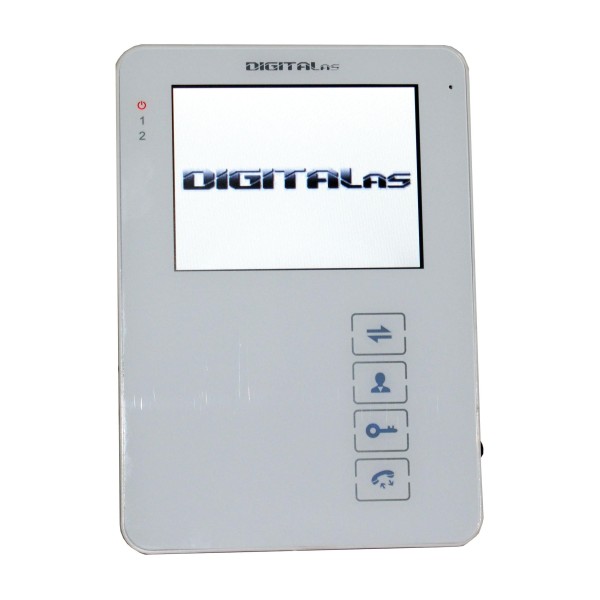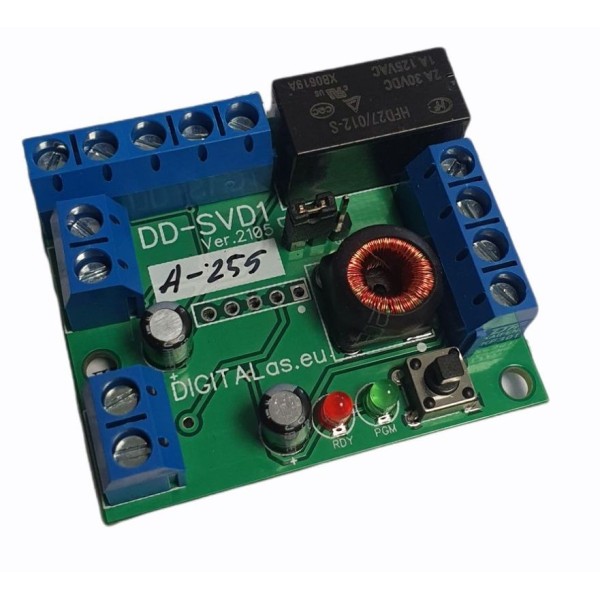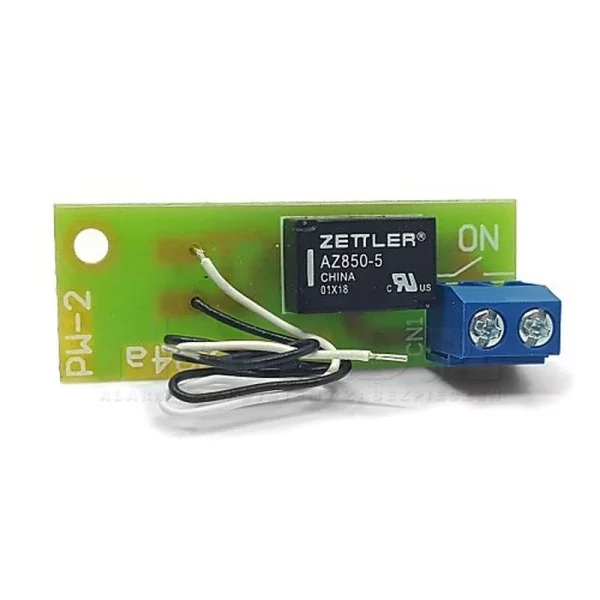

Video commutator DD-SVD 1/4
€35.00
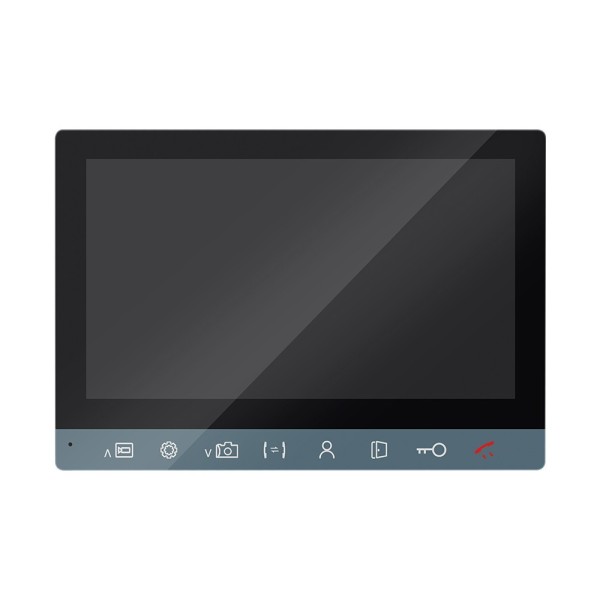
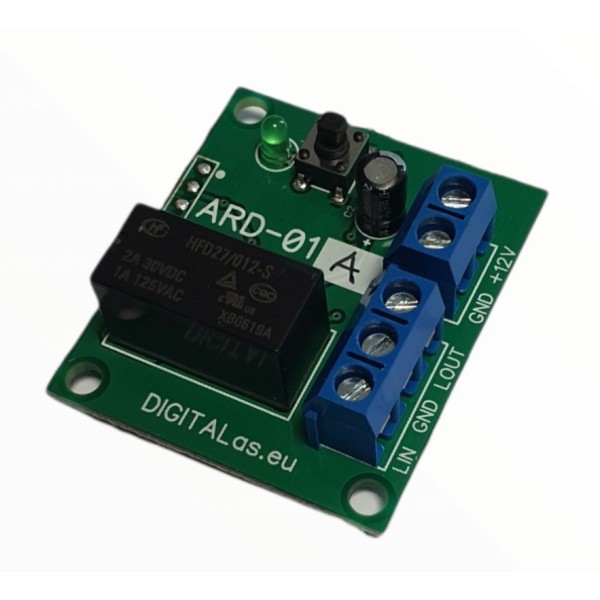
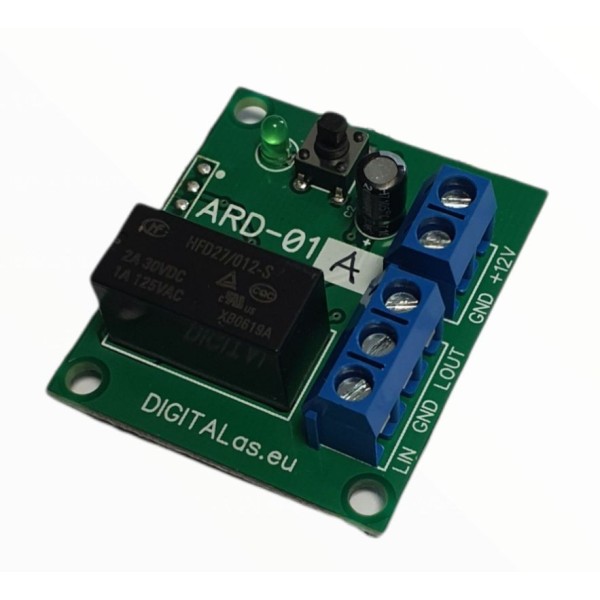
DD-SVD 1/4 switch is intended for connecting video monitors to DD-5100 telephone locks. Up to 4 units can be connected. monitor. The phone lock...
Delivery worldwide
All products are in stock. Fast delivery.
Safe shopping. We care about your privacy.
We invite you to cooperate - B2B wholesale platform
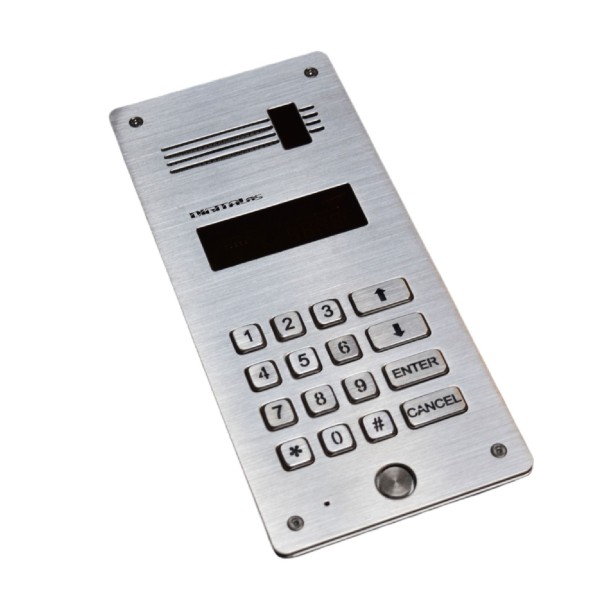
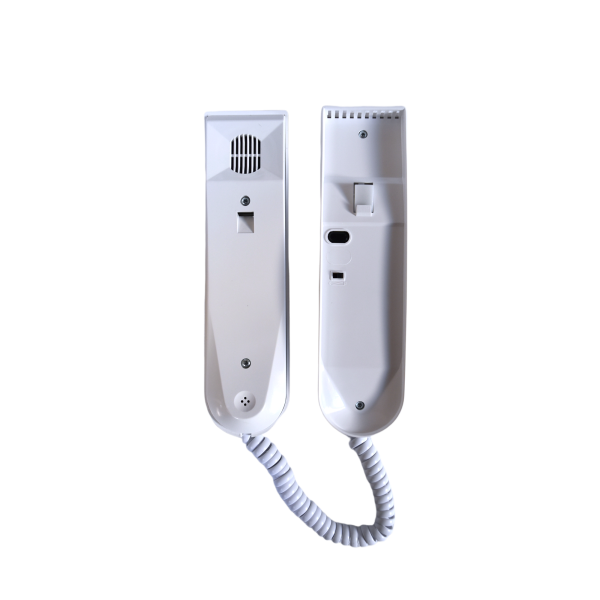
LM-8 Handset for LASKOMEX and DIGITALas digital systems.
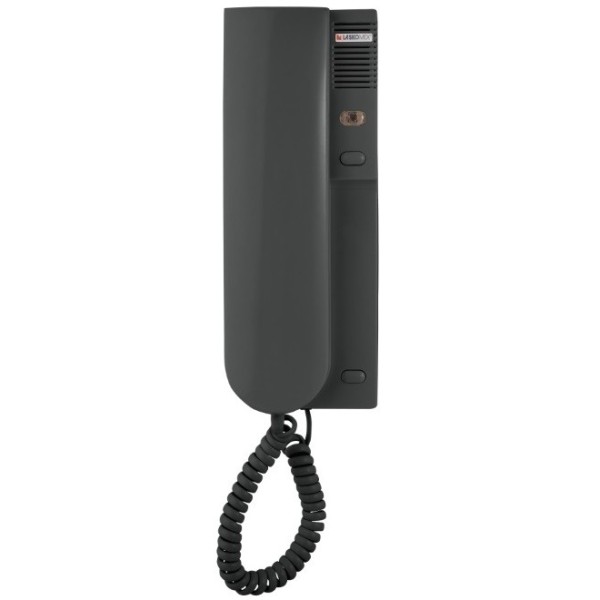
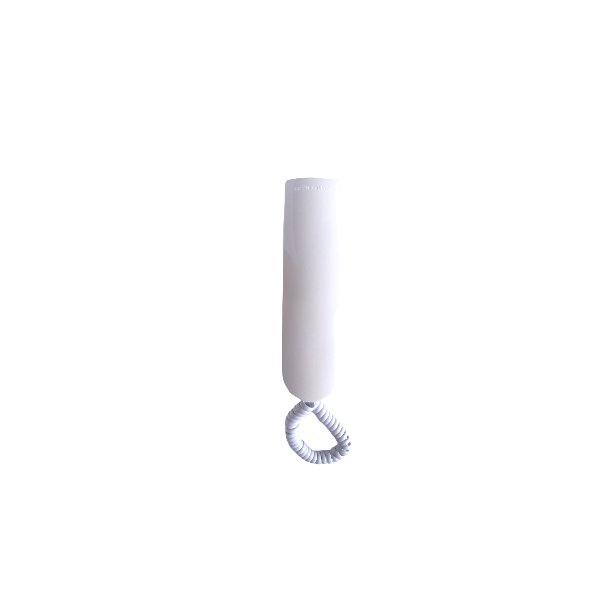
LM-8 handset is an intercom device designed for use with DD-5100 and Laskomex digital intercom systems. The device operates in a two-wire (2-wire) installation and is intended for indoor installation in apartments, offices, or other premises where reliable voice communication with the external intercom panel is required.
Purpose and compatibility
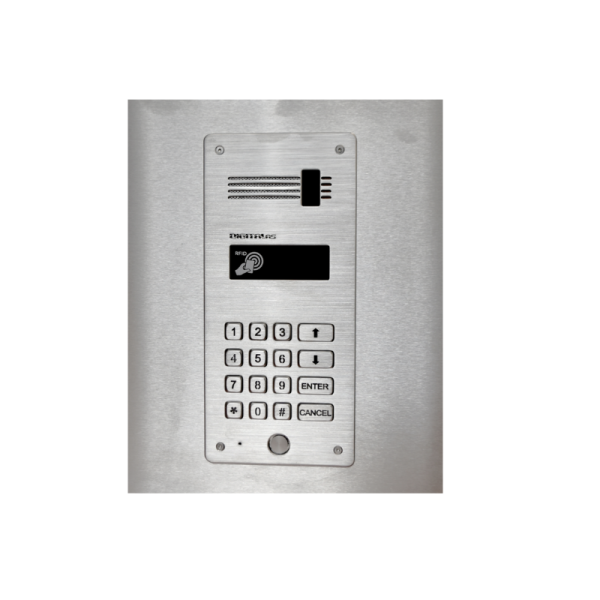
The LM-8 handset is intended for voice communication with the external intercom panel, control of the electric lock, and in certain models, control of a gate drive or other additional device. The device is fully compatible with Laskomex digital systems. When used with other types of intercoms, functionality may differ from that described in the user manual.
Operating principle
When the apartment number is selected from the intercom keypad, a call signal is heard in the handset. Lifting the handset during the call or within a set time after the call ends (standard time - 30 seconds) establishes a connection with the external panel. The conversation is automatically terminated after a set time (standard - 120 seconds), by pressing the "C" or "X" button on the keypad, or by placing the handset on the holder.
If the handset is placed incorrectly, the call continues to be signaled with a muted sound and repeated more frequently. It is prohibited to hold the handset to the ear when the holder lever (fork) is pressed, as a loud signal may be heard that could damage hearing.
Electric lock control
All LM-8 models have an electric lock control button. The lock can be unlocked only during a conversation by briefly pressing the button. The lock is activated for the time set by the installer (standard - 5 seconds). The duration of the button press does not affect the operation.
The operating mode is set by the JP2 configuration switch. By default, the active mode is "only during conversation".
Call volume adjustment
The handset has a switch that allows setting the call signal: loud, muted, or completely off (OFF). Some Laskomex systems allow additional adjustment of call volume and tone through the system user menu.
Installation conditions
The handset must be installed indoors, in a convenient and safe location. The device should not be exposed to high humidity, high temperatures, or direct water exposure. It is prohibited to connect the handset to any installation other than the manufacturer's specified intercom installation.
Installation procedure
Apartment number setting
Each handset is set with a number from 1 to 254, using the JP1 connector. The number is composed of the sum of values 1, 2, 4, 8, 16, 32, 64, and 128.
Maintenance and cleaning
The handset should be cleaned with a soft, damp cloth. Do not use solvents, gasoline, or abrasive materials. Repairs can only be performed by qualified specialists.
Technical data
No customer reviews for the moment.